
Images
Image flows
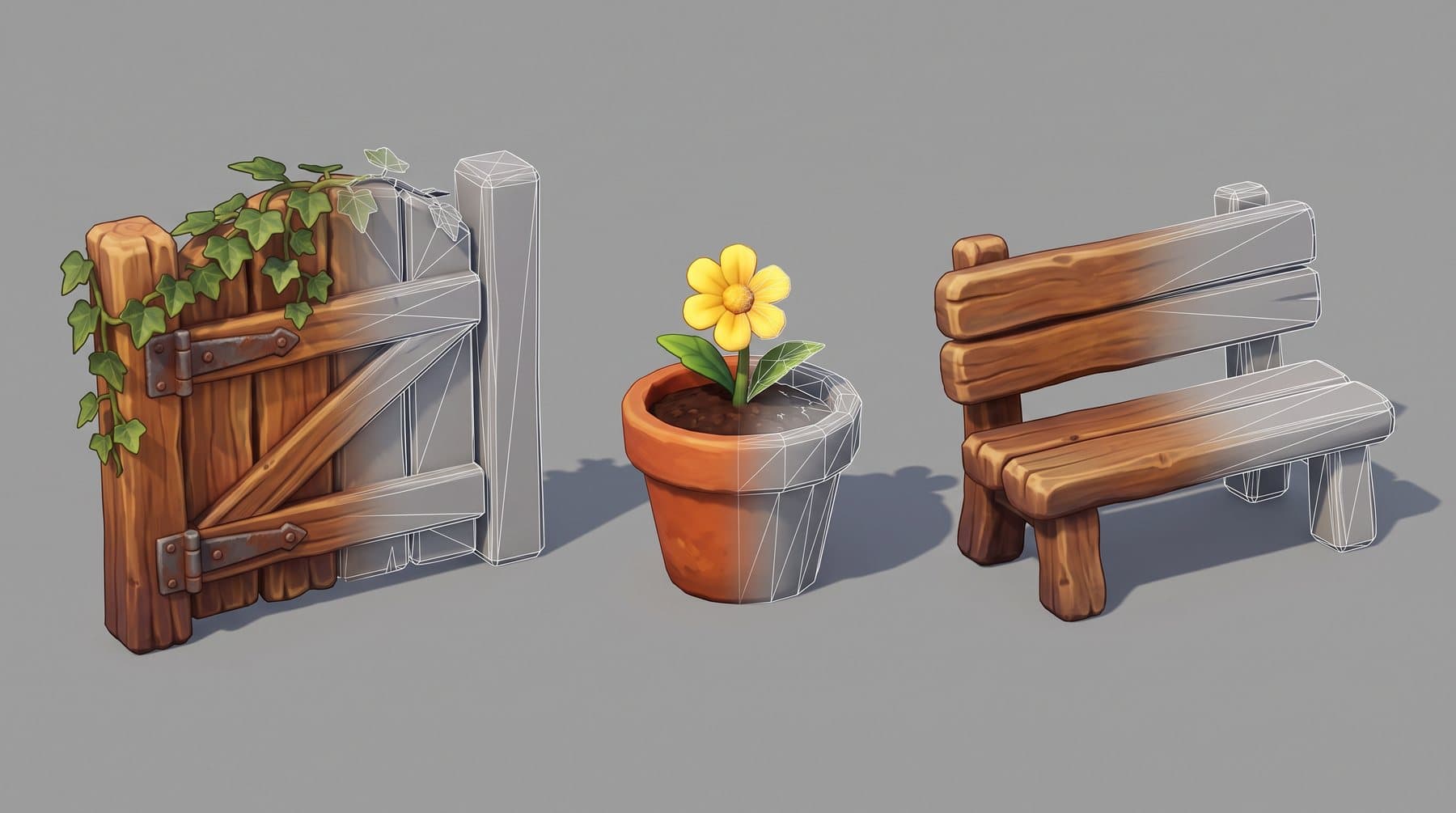
Concepts, character sheets, sets and props on a node canvas. Mention a character and its sheet goes with the prompt.
Images · 3D assets · Video · Sound
Visual Run brings images, game-ready 3D assets, animated video, voices, music and dubbing into one workspace your whole team shares, on top of the best models. Every paid action shows its estimated price in dollars, with service fees included, before you spend.
In production on Mundopia, a children's animated universe.
The problem
One subscription for images, another for 3D, another for video, another for voices. References get lost between tools, the art direction drifts, and spend ends up spread across a dozen accounts.
Visual Run puts it all in one workspace: one project bible, every provider behind one interface, and a single ledger that knows what each image, mesh, shot and line cost.
One workspace, four workshops
Prompt assistant, on every step
Nobody on the team needs to be a prompt expert.
Your words are rewritten for the step and the model you picked, with your @mentions kept. Fewer retries, less wasted budget.
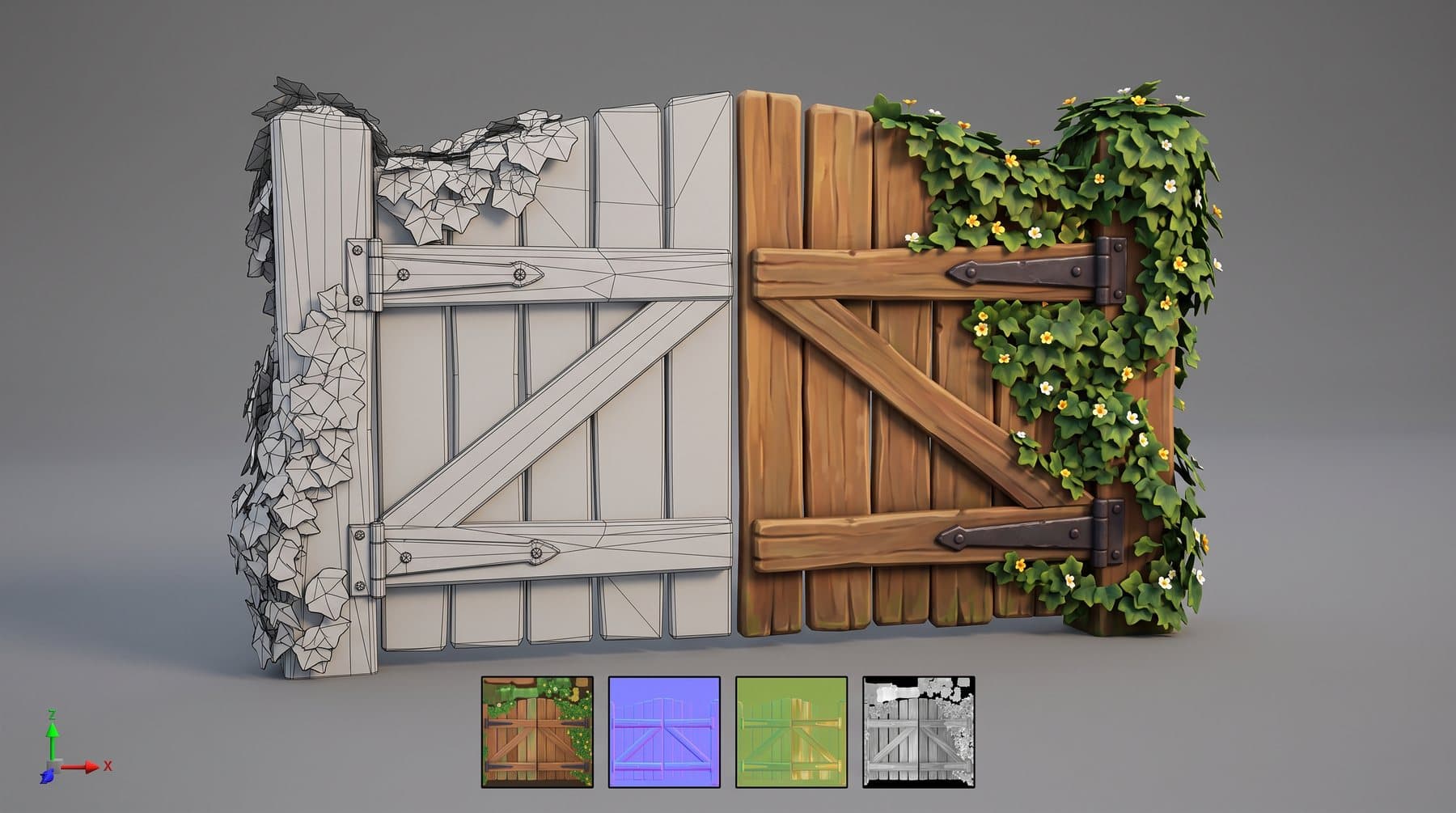
3D asset pipeline
Each step is approved before the next, more expensive one starts. You never pay for a mesh whose concept nobody signed off.
Consistency
Generate a few designs, pin the one that serves the story, and it becomes the reference for every image, asset and shot that uses it.
1 · Explore




2 · Every shot keeps it




A one-click continuity check compares faces, costumes and screen sides between neighbouring shots, and the last frame of a shot opens the next one.
Sound and edit
Sound is made from the same script as the picture, and lands on the same timeline and in the same ledger.
From a library or designed from a description, assigned to each character, directed with tags like [whispers].
Tracks, loops and ambiences from 3 seconds to 5 minutes, sung lyrics included.
Footsteps, wind, a creaking gate: described in one sentence, looped if you want.
Each line translated to fit the same spoken length, then re-voiced in any language your audience speaks.
Takes, voices, music and effects on a multitrack timeline, edited together in real time.

Collaboration
Art directors, artists, editors and producers share one project: the same references, the same takes, the same costs.
See who is on the canvas or in the montage, right now.
Scripts and prompts are co-edited live. A montage clip is locked while someone works on it.
Feedback sits on the work it is about, not in a chat thread.
Reviewers sign off concepts, clays and frames. Revoke one and what was built on it is flagged obsolete.
Owner, admin, member, viewer. Choose who can spend, who approves, who sees the budget.
On Team and Production, sign in through Okta, Entra ID or Google Workspace. Freelancers still come in on an invite.
Your team and your freelancers. Nobody gets in without an invitation.
Cost control
Compatibility
Import a Premiere Pro project or XML range to transcribe, cut and dub it. Send back MP4 up to 4K, WAV at 48 kHz and SRT.
FBX at engine scale, PNG maps with Unreal naming, all in one zip.
Coming soon
Pull approved assets from Visual Run straight into your engine project.
Import a PDF script for an outline with shot prompts. Bring your own audio too.
IMAGES
Gemini Nano Banana, OpenAI gpt-image, FLUX 3, Ideogram, Recraft
3D
Meshy, Tripo
VIDEO
Seedance 2.0, MiniMax H3, PixVerse, FLUX 3 Video, SeedVR2 upscale
SOUND
ElevenLabs voices, music and effects, Gemini TTS
Pricing
One subscription for your workspace, storage and a monthly generation budget. See generation prices in dollars, with service fees included. Once your included budget is used, pay only for extra usage within the limit you set. Unused included generation carries over for one month.
$49 / month
$44 / month
billed $528 / year
Includes $35 of generation each month
$129 / month
$116 / month
billed $1392 / year
Includes $100 of generation each month
$399 / month
$359 / month
billed $4308 / year
Includes $315 of generation each month
On request
PRICE EXAMPLE · OCTOBER 2026
One Seedance 2.5 draft clip, 480p, 5 seconds
Visual Run
~$0.62
Estimated generation charge, service fees included
Within your plan or beyond it
Same price
Use your included budget first. Only extra usage adds to your bill.
Clip counts assume the entire included budget is used for Seedance 2.5 draft clips at 480p, 5 seconds, estimated at $0.62 each with service fees included. Actual usage varies with references and model settings. Yearly is 10% off the monthly price, billed once a year. The same included budget is added each month on monthly and yearly plans. Unused generation carries over to the next monthly period only; carried-over amounts are used first and then expire at the end of that period. Set a monthly extra usage limit per workspace. Prices in USD, exclude tax.
FAQ
No conversion needed: each paid action shows an estimated dollar amount with service fees included. Within your included budget, that amount is deducted from the budget and does not add to your subscription bill. Once the budget is used, additional generation is billed separately at the same generation price. You can track budget usage and extra charges by project.
Your plan includes a monthly generation budget. Each paid action shows its estimated price in dollars before you run it. Use your included budget first, then pay only for extra usage within the limit you set. Unused included generation carries over for one month.
Extra usage is billed at the end of the month on the same card, at the generation price shown before you run each action. You set a monthly limit for extra usage, separate from your subscription. By default, it matches your included generation budget. Set it to $0 to keep your bill at the subscription price. Past the limit, new paid actions wait.
Compare the full subscription, included generation and extra usage for the same models and settings. Studio is $129 per month for two seats, the workspace, storage and $100 of generation each month, or $116 per month billed yearly with the same monthly budget. A Seedance 2.5 draft clip at 480p, 5 seconds, is estimated at $0.62 with service fees included. The same price applies within your budget and beyond it. Unused included generation carries over for one month.
Yes. A 7-day trial pass costs $19 and includes $25 of generation at our generation prices, with all service fees included and full Studio access. It does not renew. After seven days you pick a plan, or the workspace closes. One pass per workspace.
Yes. MiniMax H3 video, SeedVR2 upscaling and the text assistant can run on your own machines instead of a paid API.
Only people you invite. Creator and Studio sign in with Google. Team and Production can use company SSO, SAML or OIDC, with Okta, Entra ID or Google Workspace. Freelancers outside your domain still sign in with Google, on an invite. Their role decides what they can see, generate and approve.
In object storage in the EU (Amsterdam), visible only to the members of your workspace. Creator includes 50 GB, Studio 250 GB, Team 1 TB with takes kept 12 months. Past that, new uploads wait until you free space or change plan. We do not bill storage by the gigabyte.
No. Start with images or 3D only. The bible you build there is ready the day you move to video and sound.
Visual Run is invite-only. Tell us what you produce and we will open a workspace for your studio.